
Cloud ERP or desktop software? A guide for growing multi-branch businesses
Semicolans, 8 October 2026. 2 min read
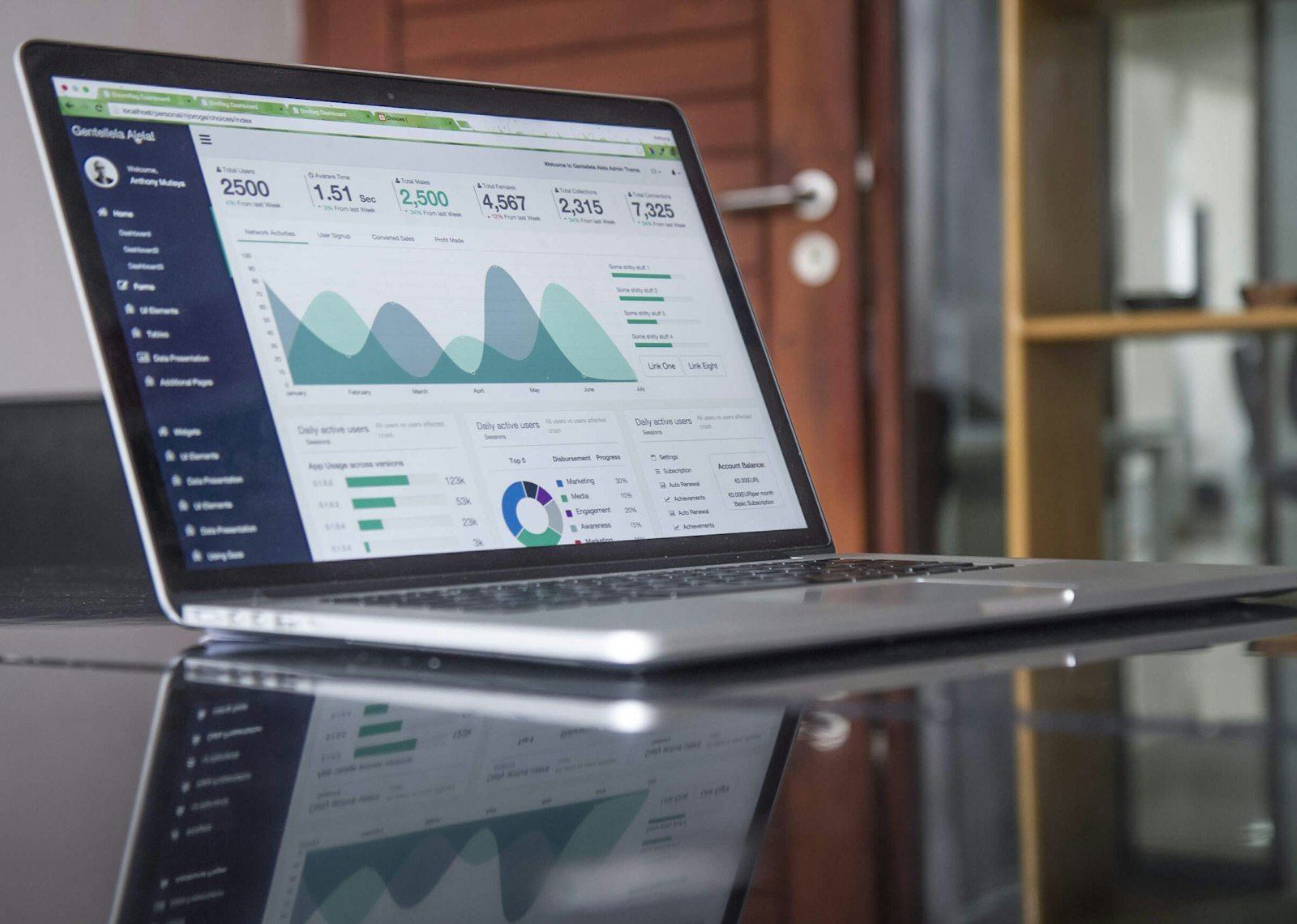
Many businesses start with accounting or inventory software installed on one computer in the office. It works well for a single location. The trouble begins when you open a second branch, add a warehouse or want to check the numbers while you are away.
Signs you have outgrown desktop software
- Branches email or phone through stock figures at the end of the day.
- You cannot see today's sales unless you are at the office PC.
- Stock levels disagree between branches and the warehouse.
- Backups depend on someone remembering to copy files.
- One broken computer could stop the business.
How cloud ERP compares
Access
A cloud ERP runs in the browser. Every branch, the warehouse and the owner see the same live figures on any computer, tablet or phone.
Cost
Desktop software usually means a larger upfront licence, plus hardware, plus paid upgrades. Cloud ERP is normally a monthly or yearly subscription, with updates included and no server to maintain.
Security and backups
A good cloud provider keeps data in a central database with user permissions and automatic backups. Ask where the data is hosted, how often it is backed up, and how you can export it if you ever leave.
Working offline
Cloud systems need the internet. For back-office work that is rarely a problem. For the till, where every second counts, pair your ERP with a POS that can bill offline, or choose an ERP with an offline-capable POS.
What to look for in a cloud ERP
- Inventory across multiple branches and warehouses, with transfers.
- Sales, purchasing and double-entry accounting in one system.
- HR and payroll if you have staff on salary.
- Role-based permissions, so each person sees only what they need.
- Reports in real time, not at the end of the month.
- Modules for your industry, so you are not forcing your business into generic screens.
- Local support that helps with setup and data import.
Switching without disruption
- Clean up your product list, customers and suppliers before you move them.
- Import opening stock and balances on a quiet day, ideally at the start of a month.
- Run one branch first for a week or two, then roll out to the rest.
- Train staff by role: cashiers, storekeepers and accounts each need different screens.
Our cloud ERPs
SemiERP covers inventory, accounting, HR and CRM across branches and warehouses in the browser. TERP adds more than 20 industry modules, from restaurants and salons to rice mills and garages, on one accounting core. Talk to us about which fits your business.
- ERP
- Cloud
- SemiERP
- TERP