
Offline-first POS: why your shop should keep billing when the internet drops
Semicolans, 6 October 2026. 2 min read
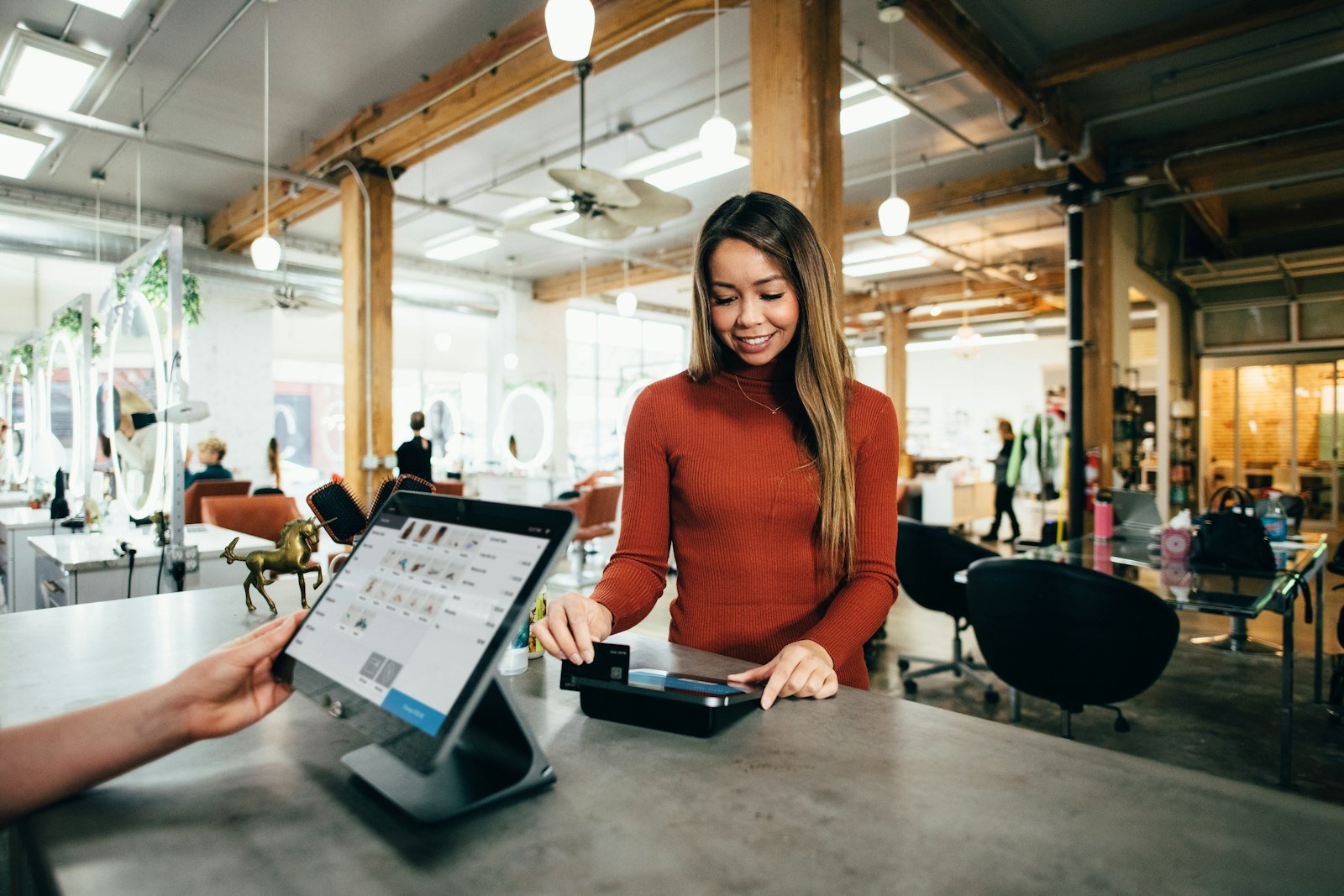
A point-of-sale system has one job above all others: let you take the customer's money. Many modern POS systems run entirely in the cloud. That is convenient until the internet slows down or drops, and the queue at the counter starts to grow.
What "offline-first" means
An offline-first POS keeps a working copy of your products, prices and customers on the device at the counter. Billing happens locally, so it does not wait for the internet. When the connection is available, the system syncs sales, stock and payments to the cloud in the background. If the connection drops, nothing changes for the cashier. The data simply syncs later.
That is different from a cloud POS with an "offline mode" added on, which often limits what you can do until you are back online.
Who needs it most
- Shops outside city centres, where connections are less reliable.
- Supermarkets and pharmacies with long queues at peak times.
- Restaurants, where a slow bill means a table that cannot be turned.
- Any business that has lost sales because the system was "down".
A checklist for choosing a POS
Billing
- Can it bill with no internet at all? Ask for a demo with the network unplugged.
- Does it take cash, card, credit and split payments?
- Can you print or send receipts with your own logo and details?
Stock
- Barcodes, and where you need them, serial or IMEI numbers, batches and expiry dates.
- Automatic low-stock alerts and purchase orders.
- Stock that stays correct across several branches.
Control for the owner
- Separate user accounts with permissions, and a record of who changed what.
- Reports you can read on your phone: sales, profit, stock and cash.
- Alerts for important events, such as large discounts, returns and the daily summary.
Accounts and backup
- Cash, bank and credit customer balances in the same system as your sales.
- Automatic local and cloud backups, so a broken PC does not lose your data.
Support
- Who installs the system and trains your staff?
- Who do you call when a printer stops working on a Saturday?
How SePOS handles it
We built SePOS for exactly this situation. It bills without internet or electricity, syncs to the cloud when it can, sends the owner SMS alerts for every transaction, and lets you watch every branch from the SeReports mobile app. See what SePOS includes or book a demo.
- POS
- Retail
- SePOS